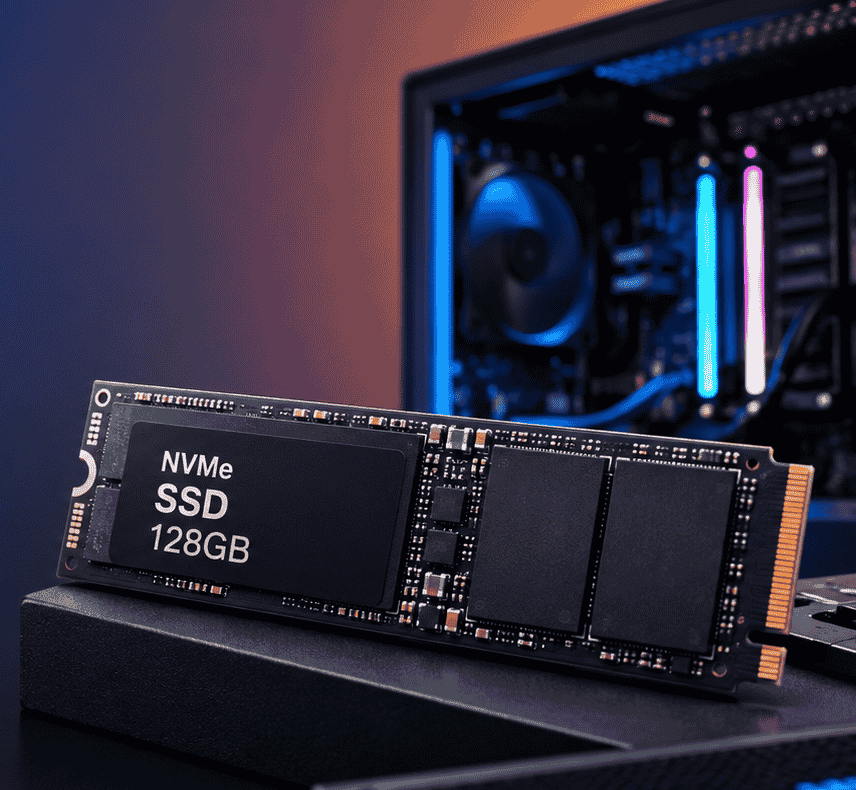
Best Budget 128GB NVMe SSD India: Speed, TBW & Price Guide
Slow computer? A 128GB NVMe SSD fixes that.
It’s fast, reliable, and easy on your budget. That makes it a smart entry-level pick when you want real speed without spending big. Use it as a boot drive, in lightweight laptops, on office systems, or for basic gaming. Small upgrade, big difference.
But shopping for one in India gets confusing fast. NVMe. SATA. Gen3. Gen4. Read speed, write speed, TBW. The terms pile up until every option in your cart looks the same.
We’ll simplify all of it. This guide breaks down each term in plain words and helps you find the best 128GB NVMe SSD at the lowest price in India.
Difference Between SSD and HDD
Before buying any SSD, it is important to understand the basic difference between SSD and HDD:
1. Speed
- HDD (Hard Disk Drive): Slow performance, uses spinning disk
- SSD (Solid State Drive): Very fast, no moving parts
2. Performance
- HDD takes time to boot Windows and open apps
- SSD boots Windows in seconds and loads apps instantly
3. Durability
- HDD can get damaged due to shock
- SSD is more durable and shock-resistant
4. Noise & Power
- HDD makes noise and consumes more power
- SSD is silent and energy efficient
👉 Conclusion: SSD is always better if you want speed and performance.
Why We Need a Guide Before Buying SSD
Buying an SSD is not as simple as buying RAM or a pen drive. Many users make mistakes like:
- Buying incompatible SSD type (SATA vs NVMe)
- Choosing wrong generation (Gen3 vs Gen4)
- Ignoring motherboard support
- Overpaying for unnecessary speed
- Selecting low-quality unknown brands
A proper guide helps you:
- Save money
- Avoid compatibility issues
- Get better performance
- Choose trusted brands
So before you buy, always understand your system requirements.
What We Need to See Before Buying NVMe SSD at Lowest Price
When selecting a budget NVMe SSD, check these important factors:
- Storage Capacity — 128GB is entry-level. It handles Windows and essential software — nothing more.
- NVMe Generation — Gen3 delivers enough throughput for most users. Gen4 is faster, but the price premium rarely justifies the gain at this capacity.
- Read & Write Speed — Gen3 NVMe drives a minimum of 1,500–2,000 MB/s read speed. Higher numbers mean faster load times across the board.
- Brand Reliability — Stick to proven names: Kingston, Western Digital (WD), Crucial, Samsung, and Adata. Unknown brands cut corners where it counts.
- Warranty — Three years is the minimum. Anything less signals a manufacturer that doesn’t stand behind its product.
- TBW (Durability) — TBW measures how much data a drive can write before it fails. Higher TBW means longer operational life.
- Price vs. Value — The cheapest option is rarely the smartest one. Balance price, speed, and reliability before you buy.
Top 5 128GB NVMe SSDs: Prices & Buy Links
- Simmtronics S970P PRO NVMe — 500 MB/s read | Gen3 | ₹2800–₹3100 — The most affordable entry point. Reliable brand, stable everyday performance. Best for basic laptop upgrades and light office use where raw speed is secondary to cost.
- ZEBRONICS ZEB-MN13 — 1,622 MB/s read | Gen3 | ₹2,999–₹3,100 — ZEBRONICS low-power design makes this the top pick for battery-sensitive laptops and office systems. Consistent performer with strong brand backing.
- Consistent 128GB — 2,100 MB/s read | Gen3 | ₹3000 Built solid with consistent 5 years warranty dependable daily performance. Strong value for users who want a balance of speed, durability, and brand trust.
- HIKVISION Consumer SSD 128gb — 2,500 MB/s read | Gen3 | ₹2800 — solid thermal control makes it a capable pick for budget gaming rigs and light multitasking workloads.
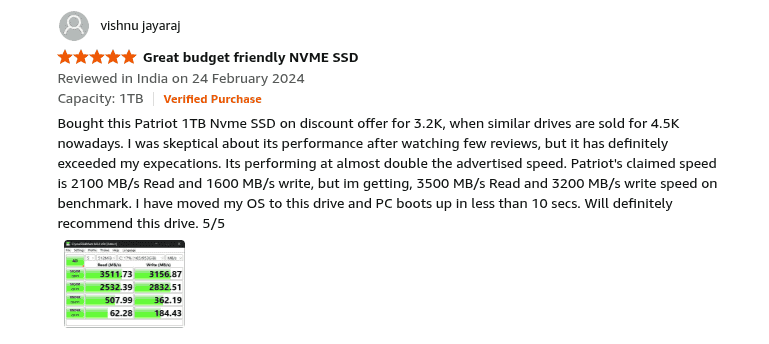
- Patriot Memory P300 128GB M.2 SSD — 1,600 MB/s read | Gen3 | ₹3,400–₹3,500 — The best option here. Built in end to end data path protection longest lifespan, and highest TBW rating in this tier. Pay the premium once — it holds up.
Pro Tip: Use your 128GB SSD exclusively as a boot drive. Install Windows and core apps on it — store everything else on a separate HDD. This keeps speeds high and extends TBW life.
Frequently Asked Questions
1. Is 128GB NVMe SSD enough?
Yes — for Windows and basic apps, it gets the job done. Storage fills up fast, though. If you run heavy software or store large files, pair it with a secondary HDD.
2. Is NVMe SSD better than SATA SSD?
Yes. NVMe is significantly faster. A Gen3 NVMe drive reads at up to 3,500 MB/s — a SATA SSD tops out around 550 MB/s. The difference is immediate and measurable.
3. Can I install games on a 128GB SSD?
Yes, but only small ones. Storage fills quickly at this capacity. Install only your most-played titles and keep the rest on a separate drive.
4. How long does an NVMe SSD last?
Typically 5–10 years. Lifespan depends directly on how
My View:
If your budget is very tight, then ZEBRONICS ZEB-MN13 or HIKVISION is a smart
choice. But if you want better performance and long-term reliability, then Consistent 128GB or Patriot Memory P300 128GB M.2 SSD is worth extra
money. One important thing to remember is that 128GB NVMe SSD is only for entry-level use. If possible, always try to upgrade to 256GB or 512GB, because modern Windows and apps take more
space. Final advice: Don’t only look at price, always balance performance + brand + warranty before buying.